Zu Produktinformationen springen

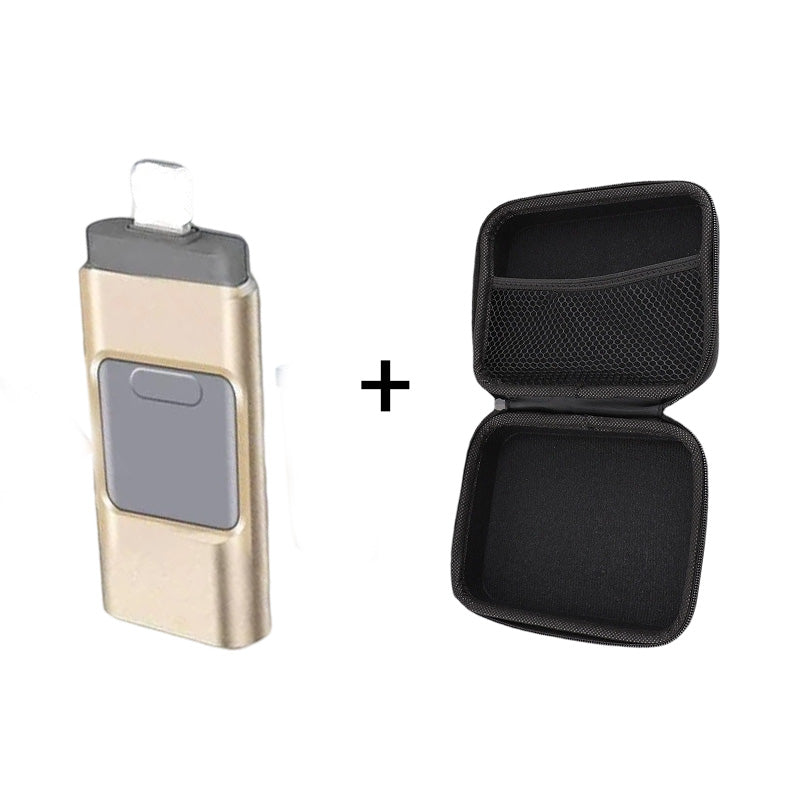
4-in-1 high-speed multi-function USB flash drive

Normaler Preis $38.00
Normaler Preis $38.00 Verkaufspreis $49.98
SAVE 23% Ausverkauft

4-in-1 high-speed multi-function USB flash drive

4-in-1 high-speed multi-function USB flash drive

Customer avatar
Customer avatar
Customer avatar
Customer avatar
Customer avatar
100+ orders
in the last 24h
 (20102 Reviews)
Normaler Preis $38.00
Normaler Preis $38.00 Verkaufspreis $49.98
SAVE 23% Ausverkauft
 
Gold
Gold
Silver
Silver
Black
Black
Pink
Pink
 
  • American express payment method American Express
  • Apple pay payment method Apple Pay
  • Diners club payment method Diners Club
  • Discover payment method Discover
  • Google pay payment method Google Pay
  • Master payment method Mastercard
  • Paypal payment method PayPal
  • Shopify pay payment method Shop Pay
  • Visa payment method Visa
4-in-1 high-speed multi-function USB flash drive

4-in-1 high-speed multi-function USB flash drive

Normaler Preis $38.00
Normaler Preis $38.00 Verkaufspreis $49.98
SAVE 23% Ausverkauft
What files can I transfer?

Our product supports all common image, video, and audio files. This includes saved photos and videos from your camera roll, as well as music and voice recordings from your phone!

This USB flash drive, memory stick, and external storage device is compatible with iOS, Android, PC, and other devices.


Easily free up storage space on your phone.

Smooth data transfer.
Copy your files through our own app and they will appear on the memory drive—giving you a completely secure backup of all your important moments.

Common Questions

Does this work with my device?

Absolutely! It is compatible with all iOS, Android, and PC computers/laptops. If your device has a USB port, it will work perfectly!

It has the following connections:

  • iOS
  • Micro-USB — Android
  • USB-C — Android + laptops/PC
  • USB-A — laptops/PC

1. First use on iOS — Lightning interface

Download the Y-DISK app according to the instructions.

Insert the USB flash drive.

Open the app to start transferring files.

2. For Android

Insert our product directly, then go to the file manager to start transferring files.

3. Use on newer iOS devices with a USB-C port
Use a USB-C adapter to connect your newer iOS device.

Locate the folder and open it.

Find our USB drive and start backing up your files.

What files can I transfer?

It supports all common image, video, and audio files. This includes saved photos and videos from your camera roll, as well as music and voice recordings from your phone!

Vollständige Details anzeigen